
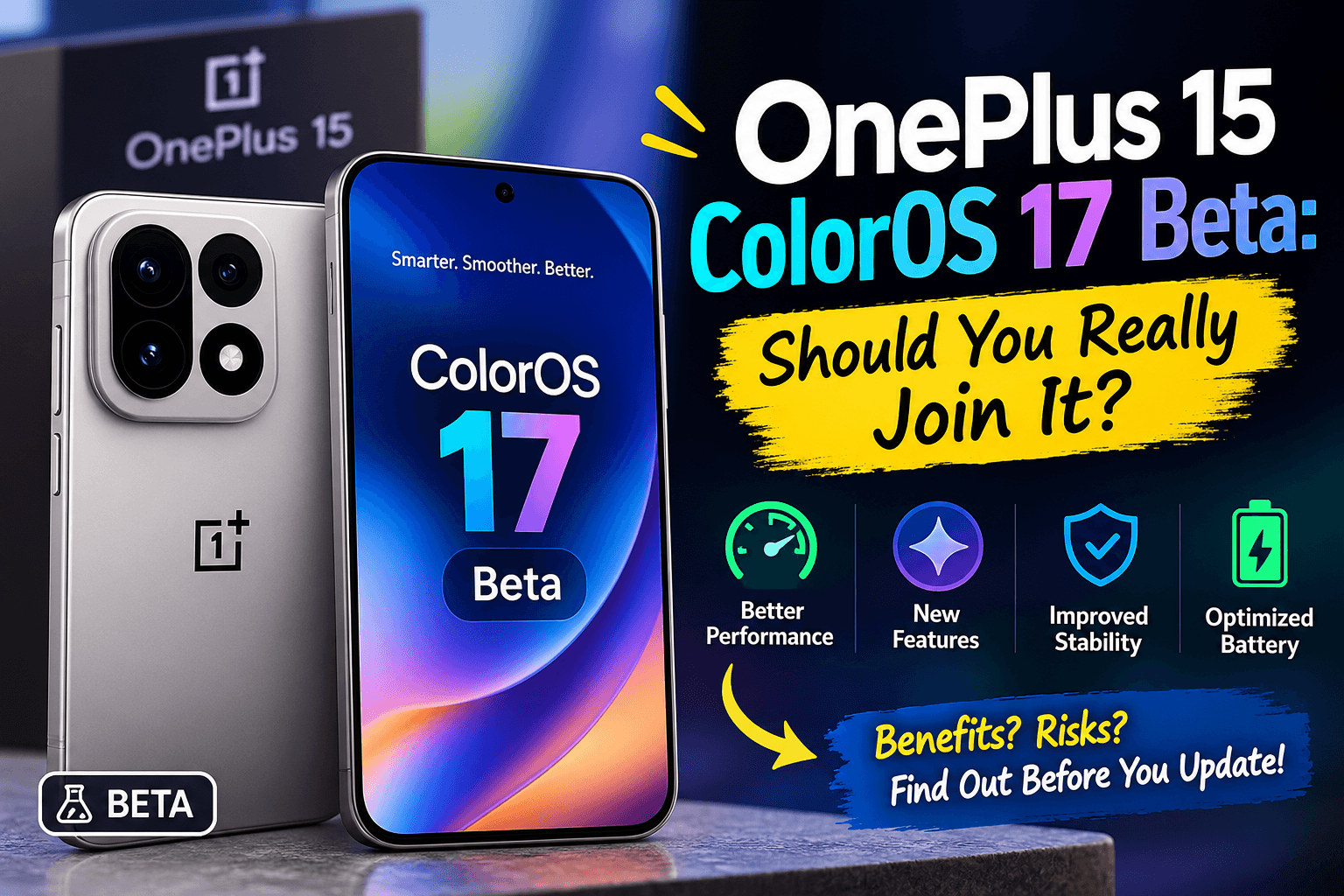

Let’s be honest. Whenever a new beta shows up, most of us feel the same itch. New software, new look, and we want it now. But the OnePlus 15 ColorOS 17 beta isn’t just another update, and that’s why it’s worth a proper think before you click anything.
The clock is also ticking. Applications are open from October 9th to October 12th, and OnePlus won’t accept any after that. So here’s a plain-talk guide to what this beta is, who can get in, and whether you should bother. oneplus
First, What Is This Beta Actually About?
Quick background. OnePlus phones have run OxygenOS for years. ColorOS is OPPO’s software, and it’s now taking over. This update lets OnePlus users voluntarily switch from OxygenOS to ColorOS, and OPPO will show ColorOS 17 to the world on October 13. androidauthority
That’s the real story here. You’re not only trying a few new features. You’re getting an early look at the direction OnePlus is heading, and that’s a bigger deal than a normal beta.
The Basics You Need to Know
Here’s the short version before I get into the details:
- Phone: OnePlus 15
- Where: India only, for now
- Apply between: October 9 and October 12, 2026
- Builds you need: CPH2745_16.0.10.500(EX01) or CPH2745_16.0.10.601(EX01)
- Based on: Android 17
- Global ColorOS 17 launch: October 13, 2026
There’s no word yet on a release in the US. If you’re outside India, sorry, there’s nothing to apply for right now. androidauthority
Wait, Didn’t This Beta Already Happen?
Sort of. There was an earlier closed beta, and it was much harder to get into. Only 300 users of the OnePlus 15 and 15R could join, and they had to pass a quiz first. 91mobiles
This new open beta is wider. It’s still not a free-for-all, though, since you have to apply and OnePlus decides who gets in.
What’s New in ColorOS 17?
Here’s where I’d slow down. OnePlus hasn’t put out a full list of changes, so much of what you’ll read online is early talk, not confirmed fact. Anyone promising you a complete feature list right now is guessing.
What has been shared so far? OPPO says ColorOS 17 brings a new Trinity Engine, a new “Light Form Glass” design, more customization and a smoother feel overall. There’s also tipster chatter. Digital Chat Station claimed it would have more see-through elements, rounded menus, new notification effects and a redesigned lock screen. ytechbsmartprix
If you ask me, it sounds like a polish-and-look refresh, not a total reinvention. Nice if you love fresh visuals. Not so exciting if you want one giant new feature.
How to Apply (It’s Quick)
The steps are simple:
- Check your phone is on one of the two eligible builds.
- Open Settings, then About device.
- Tap “Up to date.”
- Pick “Beta program.”
- Follow what the screen tells you.
According to the community post, you also have to answer 10 questions. Don’t rush those. They’re part of how you get picked. oneplus
The Escape Hatch: Rollback
Here’s the bit that should relax you a little. If you try the beta and don’t like it, OnePlus lets you go back to stable OxygenOS 16 using a rollback package. You download the rollback ZIP for the OnePlus 15 from the link in the official post once you’re approved. androidauthorityoneplus
My tip? Grab that file before you install the beta. Don’t wait for trouble. I couldn’t find anything confirming whether rolling back wipes your data, so just assume it might.
The Not-So-Fun Part: Risks
Every beta comes with a catch, and this one’s no different. OnePlus is upfront about it. It calls this an early build, so some planned features may not be available or may not work right until later updates. oneplus
There’s a bigger worry too. OnePlus warns that some third-party apps may not work properly after you upgrade because of compatibility issues. Think about what that means for you: oneplus
- Your banking and UPI apps
- Work apps you can’t skip
- Payment apps and wallets
- Anything you open every single day
Early builds can also bring the usual troubles, like battery drain, heat or lag. Nobody has confirmed that for this build, so I won’t say it will happen. It’s just what people tend to run into with unfinished software.
What About Your Data?
OnePlus says the upgrade is designed not to wipe your data, which is good. But “designed not to” isn’t the same as “guaranteed not to.” The company strongly suggests backing up everything important, keeping your battery above 30% and having at least 4 GB of free storage. oneplus
Please just do the backup. Photos, chats, contacts, documents. It takes a short while and saves a lot of pain.
So, Should You Join the OnePlus 15 ColorOS 17 Beta?
Here’s how I’d think about it. Ask yourself one question: what happens if my phone acts up for a week?
If the answer is “no big deal,” then go for it. That usually means:
- You’ve got a backup phone.
- You enjoy testing things and don’t mind reporting bugs.
- Your daily apps are easy to replace or live without.
- You’ve saved your data and the rollback file.
If the answer is “that would be a disaster,” skip it. That’s you if:
- The OnePlus 15 is your only phone.
- You use it for work, payments or travel.
- You get annoyed by glitches.
- You value a smooth, boring, reliable phone.
Other guides say much the same. One says it isn’t recommended as your main system because pre-release software can crash or clash with apps. I agree with that. Curiosity is a great reason to try a beta, but it shouldn’t beat a phone that just works.
When Does the Stable Version Arrive?
Nobody knows yet. OnePlus hasn’t announced a date for the OnePlus 15. The October 13 launch may make the plan clearer. One third-party roundup mentions a late 2026 to early 2027 window for OnePlus phones, but that’s an estimate and not an official promise.
So if you skip the beta, don’t worry. You’re not missing a once-in-a-lifetime chance. The stable version is coming, and it should be smoother.
Quick Checklist Before You Apply
- Check your build matches one of the two eligible versions.
- Back up your photos, chats and files.
- Charge above 30% and free up at least 4 GB.
- Save the rollback package.
- Think about which apps you can’t afford to break.
- Apply before October 12.
FAQs
Yes. OnePlus provides a rollback package.
I wouldn’t, unless you can live with bugs and app problems. Waiting for the stable release is the safer choice.
Not yet. OnePlus hasn’t confirmed one.
My Final Take
The OnePlus 15 ColorOS 17 beta is a fun chance to see Android 17 and OnePlus’s new software direction early. But it’s still a beta, and betas ask for patience.
If you’ve got a backup plan and a bit of curiosity, apply before October 12. If your phone has to work perfectly every day, stay on OxygenOS 16 and let other people find the bugs first.








One thought on “OnePlus 15 ColorOS 17 Beta: Should You Really Join It?”